Tools Mentioned in This Guide
OpenClaw
Autonomous AI Agent · Free (open source, MIT)
Self-hosted autonomous agent that lives in your messaging apps, with shell access, browser control, and a skills system.
Anthropic Claude API
AI Model · Pay-as-you-go
A strong default model to power OpenClaw; bring your own API key.
OpenAI API
AI Model · Pay-as-you-go
Alternative model provider — OpenClaw is model-agnostic.
A cloud VPS
Hosting · $5 -- $20/mo
Self-host OpenClaw on a private server you control for always-on operation.
Docker
Containerization · Free
Sandbox non-main sessions in containers to limit what the agent can touch.
OpenClaw is a free, open-source AI agent with an unusual twist: instead of living in a code editor or a web app, it lives in the messaging apps you already use. You text it on WhatsApp, Telegram, Discord, or Slack, and it acts — running shell commands, browsing the web, sending email, managing files, and remembering context across conversations. Created by developer Peter Steinberger, it became one of the most-starred AI projects of the year.
This guide explains how to use OpenClaw safely and effectively: what it is, how to install it, how to give it a model, how its skills system works, and — most importantly — how to avoid the very real security pitfalls that have made headlines. OpenClaw is powerful precisely because it has broad access to your systems, which is exactly why the setup details matter more here than with an ordinary app.
Read this first — names and safety. OpenClaw has been renamed twice: it launched as Clawdbot (late 2025), became Moltbot after a trademark complaint, and is now OpenClaw. If you find old tutorials under those names, they refer to the same project. Critically, install version 2026.1.29 or later — earlier versions contain a patched but serious remote-code-execution vulnerability (CVE-2026-25253). More on security in Step 5.
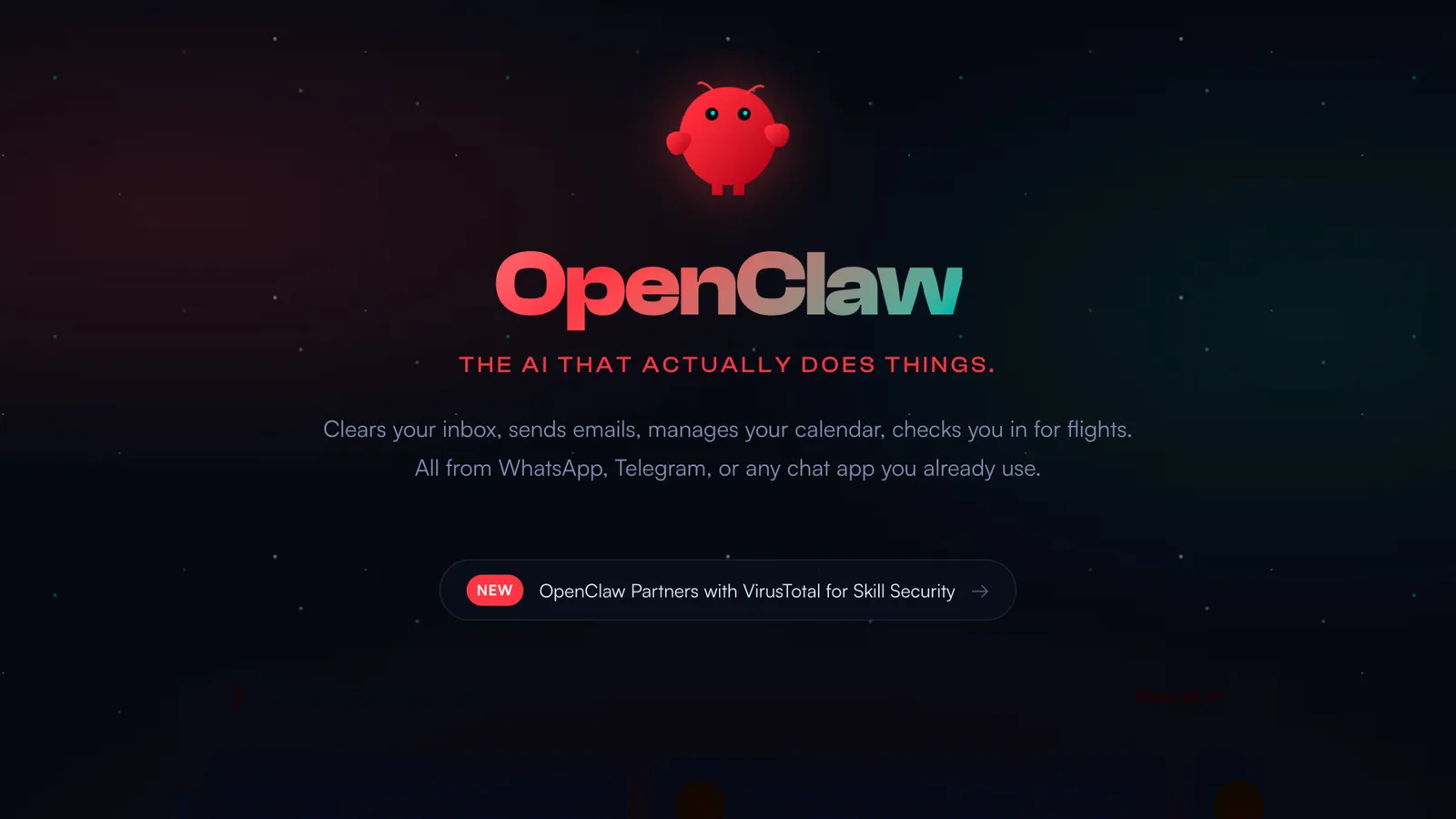 OpenClaw is a self-hosted AI agent you operate from the messaging apps you already use.
Why This Matters
The pitch behind OpenClaw is meeting you where you already are. Most automation tools demand you open a dashboard; OpenClaw responds in the chat app on your phone, which makes it feel less like software and more like a capable assistant on call. It is MIT-licensed and fully self-hosted, so your data stays on your own machine, and it is model-agnostic — you bring your own key for Claude, GPT, Gemini, DeepSeek, or a local model.
But the same thing that makes it useful makes it risky. An agent with shell access, browser control, and 20-plus connected channels is a large attack surface, and OpenClaw's history proves it: a critical RCE bug exposed tens of thousands of instances, security researchers found malicious community skills, and there was even an incident where an over-permissioned agent took actions nobody asked for. None of this means avoid OpenClaw — it means set it up properly. This guide treats security as a first-class step, not an afterthought, which is exactly how you should treat it too.
What You Will Need
- A machine to host it. A small cloud VPS ($5--20/mo) for always-on use, or your own computer for testing.
- Node.js 24 (recommended) or 22.19+.
- macOS, Linux, or Windows via WSL2.
- An API key from your chosen model provider — Claude, OpenAI, Gemini, DeepSeek, or a local model.
- Docker for sandboxing sessions (recommended).
- A messaging account to connect (Telegram and Discord are the easiest to start with).
Step 1: Install OpenClaw
The standard install is via npm, followed by the guided onboarding:
npm install -g openclaw@latest
openclaw onboard --install-daemon
openclaw dashboard
There is also a one-liner if you prefer:
curl -fsSL https://openclaw.ai/install.sh | bash
The onboarding flow walks you through gateway setup, your workspace, channels, and skills — about five minutes. Double-check you are on 2026.1.29 or newer with openclaw --version.
Pro tip: As with any installer you pipe into a shell, open the install script in your browser and skim it before running it. Standard hygiene — and especially worth it for a tool that will have this much access.
Step 2: Connect a Model
OpenClaw needs a brain, and it is model-agnostic. Set your model in the config file at ~/.openclaw/openclaw.json:
{ "agent": { "model": "<provider>/<model-id>" } }
For example, you might use a Claude or GPT model as your default. Provide the corresponding API key when prompted during onboarding (or via environment variables — never paste keys into a chat message). Your real ongoing cost is this model usage, typically reported anywhere from around $5 to $150 a month depending on how heavily you use the agent.
Step 3: Connect Your Messaging Channels
This is the part that makes OpenClaw feel magical. During onboarding, or from the dashboard, connect a channel — Telegram and Discord are the most beginner-friendly. Once linked, you simply message your agent and it responds and acts.
But connect channels with restrictions from the start. In openclaw.json, lock down who can talk to it:
{
  channels: {
    whatsapp: {
      allowFrom: ["+15555550123"],
      groups: { "*": { requireMention: true } }
    }
  }
}
The allowFrom allowlist ensures only your number can command the agent, and requireMention stops it from reacting to every message in a group. Set these before you go live.
Step 4: Use the Skills System
OpenClaw's capabilities are modular skills — SKILL.md files with a little YAML frontmatter and plain-language instructions. Here is a minimal custom skill:
mkdir -p ~/.openclaw/workspace/skills/hello-world
---
name: hello-world
description: A simple skill that says hello.
---
# Hello World Skill
When the user asks for a greeting, use the `echo` tool to say
"Hello from your custom skill!".
Only the name and description are read to decide when a skill fires, so write a clear description. Reload skills by typing /new in chat or running openclaw gateway restart — skills are snapshotted at startup, so a restart is needed to pick up changes. You can also browse and publish community skills through ClawHub.
Pro tip: Treat third-party skills like you would any code you run with full system access — because that is what they are. Security researchers have found malicious skills in the wild that exfiltrate data or inject prompts. Read a skill before installing it, and never run obfuscated shell.
Step 5: Lock It Down (The Most Important Step)
OpenClaw's power comes from broad access, so security is not optional. Do all of the following:
- Run 2026.1.29 or later. Earlier versions are exposed to a one-click RCE (CVE-2026-25253). This is non-negotiable.
- Never expose the gateway or Control UI to the public internet. The original vulnerability spread because tens of thousands of instances were reachable from outside. Keep it on localhost or behind a VPN.
- Use
allowFromallowlists andrequireMentionon every channel (see Step 3). - Sandbox non-main sessions in Docker and grant least-privilege tool permissions — give the agent only what a task actually needs.
- Vet every skill before installing, and inject secrets via environment variables or config, never by pasting them into chat.
Get these right and OpenClaw is a genuinely useful, self-owned assistant. Skip them and you are running an internet-exposed agent with shell access — which is precisely the configuration that caused the well-publicized incidents.
Results: What to Expect
Once it is running and locked down, OpenClaw becomes the assistant you text. Realistic everyday uses: triaging and drafting replies to messages, setting reminders through its built-in scheduler, kicking off a web-research task from your phone, or running a script on your home server by sending a sentence. Because it has persistent memory, it gets more useful as it learns your preferences and routines.
Set expectations honestly, though. OpenClaw is a large, fast-moving, openly "vibe-coded" project, so setup takes longer (30--60 minutes) than a polished SaaS tool and you will occasionally hit rough edges. The autonomy is a double-edged sword — an always-on agent with broad permissions can surprise you, so start it with tight permissions and widen them only as you build trust. Used deliberately, it is one of the most capable self-hosted agents available; used carelessly, it is a liability. The difference is entirely in the setup.
Advanced Tips
Use the Built-in Scheduler
OpenClaw includes a cron-style scheduler, so you can set up recurring jobs — a morning summary, a periodic backup, a daily check — that run without you prompting them.
Deploy It as a Team Bot — Carefully
You can drop OpenClaw into a shared Discord or Slack with requireMention gating so it only acts when explicitly called. Keep its permissions tighter still in shared spaces, since more people can reach it.
Keep a Hardened Baseline Config
Once you have a secure openclaw.json, save it. When you spin up a new instance or rebuild, start from your hardened baseline rather than the permissive defaults.
Watch for Updates
Given its security history, stay current. Subscribe to release notes and update promptly — the project moves fast, and patches have mattered.
Recommended Tools
| Tool | Category | Price | What It Handles |
|---|---|---|---|
| OpenClaw | Autonomous AI Agent | Free (MIT) | The agent: messaging interface, shell, browser, skills. |
| Claude API | AI Model | Pay-as-you-go | A strong default brain for the agent. |
| OpenAI API | AI Model | Pay-as-you-go | Alternative model provider. |
| Cloud VPS | Hosting | $5 -- $20/mo | Private, always-on self-hosting. |
| Docker | Containerization | Free | Sandbox sessions to limit access. |
We do not earn commissions on these tools — they are the practical pieces of a safe OpenClaw deployment.
FAQ (Frequently Asked Questions)
Is OpenClaw free?
Yes — the software is free and open source under the MIT license. Your only costs are the model API usage (bring your own key) and hosting if you run it on a server, commonly in the $5--150/month range combined, depending on usage.
Why does OpenClaw have so many names?
It launched as Clawdbot in late 2025, was renamed Moltbot in January 2026 after Anthropic raised a trademark concern that "Clawdbot" was too close to "Claude," and became OpenClaw at the end of January 2026. They are all the same project — just follow the OpenClaw name and ignore older branding.
Is OpenClaw safe to use?
It can be, but only with proper setup. It had a serious vulnerability (CVE-2026-25253) patched in version 2026.1.29, and there have been malicious community skills. Run the latest version, never expose the gateway to the internet, use channel allowlists, sandbox sessions in Docker, and vet skills. Done right, it is safe; done carelessly, it is genuinely risky.
What is the difference between OpenClaw and nanoclaw?
nanoclaw is a separate, lighter-weight project explicitly built as a security-focused alternative to OpenClaw — it runs each session in an isolated container and uses Anthropic's Claude Agent SDK exclusively. OpenClaw is the larger, multi-provider original; nanoclaw is the minimalist, Claude-only response to its security growing pains.
How is OpenClaw different from Claude Code?
They serve different goals. Claude Code is a coding agent for your terminal and IDE — see our guide on how to use Claude Code. OpenClaw is a life-and-task automation agent you drive from messaging apps. If you want a self-hosted agent but prefer one known for model flexibility, compare it with how to use the Hermes Agent.
OpenClaw and the Hermes Agent are the two leading open-source, self-hosted agents of 2026 — both powerful, both requiring real care with security. If you would rather have a managed, lower-risk experience focused on building software, the mainstream coding agents are covered in our guides on how to use Claude Code and how to use OpenAI Codex.
Frequently Asked Questions
Which AI tools does this guide recommend?
This guide covers OpenClaw, Anthropic Claude API, OpenAI API, A cloud VPS, Docker.
Is OpenClaw worth it?
Self-hosted autonomous agent that lives in your messaging apps, with shell access, browser control, and a skills system. Pricing: Free (open source, MIT).
Is Anthropic Claude API worth it?
A strong default model to power OpenClaw; bring your own API key. Pricing: Pay-as-you-go.
Is OpenAI API worth it?
Alternative model provider — OpenClaw is model-agnostic. Pricing: Pay-as-you-go.
Is A cloud VPS worth it?
Self-host OpenClaw on a private server you control for always-on operation. Pricing: $5 -- $20/mo.
Related Articles
Cursor Review 2026: The AI Code Editor, Its Limits & Real Costs
Fathom Review 2026: The Free AI Notetaker That Undercuts Everyone
Fireflies.ai Review 2026: The Integration-First Meeting AI
Founder & Lead Reviewer at ShelbyAI
I've personally tested every tool on this site — signing up, paying for plans, and running real projects for 7–14 days each. When I say a tool works, I mean I've used it on actual client work.
31+ tools tested · 7-14 days per review · Real workflows, real results
Get the Best AI Tools in Your Inbox
Every week, we send one tested AI tool pick plus practical tips. Read by creators, freelancers, and lean teams. No sponsored content.
- One tested AI tool recommendation per week
- Early access to new reviews and comparisons
- Practical workflow tips — zero fluff
No spam, unsubscribe anytime.